Fillable Forms – User Guide
Capture Critical Field Information—Digitally
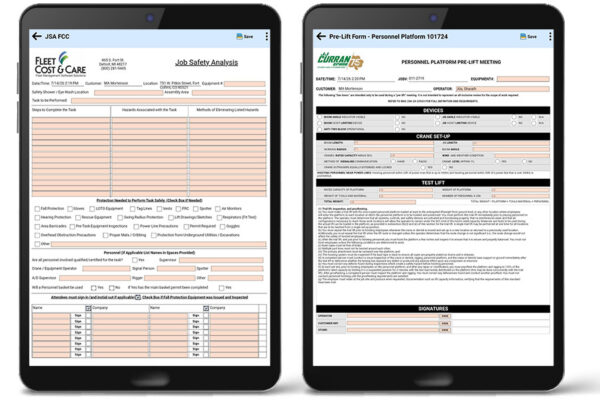
Digitize your field documentation with Fillable Forms for NexGen and Atom Mobile. Complete forms from the field, capture digital signatures, and save completed forms with the job for immediate office access or inclusion with customer invoices..
Common Applications
- Job Safety Analyses (JSAs)
- Field Level Risk/Hazard Assessments (FLRAs/FLHAs)
- Daily Logs & Field Reports
- Incident Reports
- Equipment Inspections
- Custom Operational Forms
Why Fillable Forms?
- Replace paper forms with digital documentation.
- Capture completed forms and digital signatures directly from the field.
- Store completed forms with the job for immediate office visibility.
- Include completed forms with customer invoices when needed.
- Use familiar PDF layouts customized to your organization’s requirements.
How It Works
- Fillable forms are created using your organization’s existing forms or standard templates.
- Field personnel complete forms in Atom Mobile.
- Completed forms are saved as PDF attachments to the associated job.
- Office staff can immediately view, email, or include completed forms with customer invoices from NexGen.
Want to learn more?
Download the Fillable Forms User Guide for setup instructions, mobile workflows, and administrator configuration